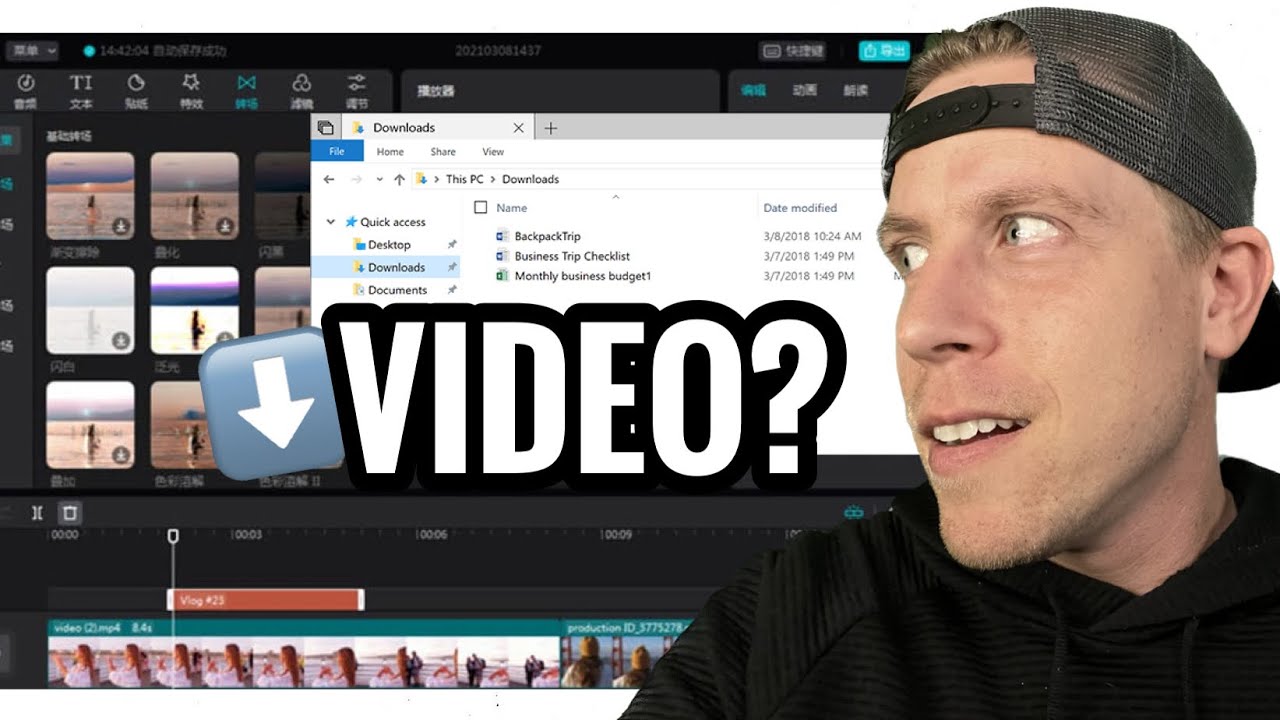
You can find your exported videos in CapCut by find the software download location. First, go into the video project you are editing. Second, go into the right hand corner and click on export. A pop up menu should come up. On the second setting down, click on the file folders download location button. This will tell you where your CapCut videos are being exported to. This will be the location in which you can find your finished videos from CapCut.
CapCut Pro – https://videocreator.tools/capcut

